
Valorant Crosshair Code Not Importing? Check the Trailing Comma and Format First
Pasting a Valorant crosshair code that says 'invalid' or does nothing? In most cases the code was truncated or picked up an extra comma. Here's how to fix it, with real examples from the community.
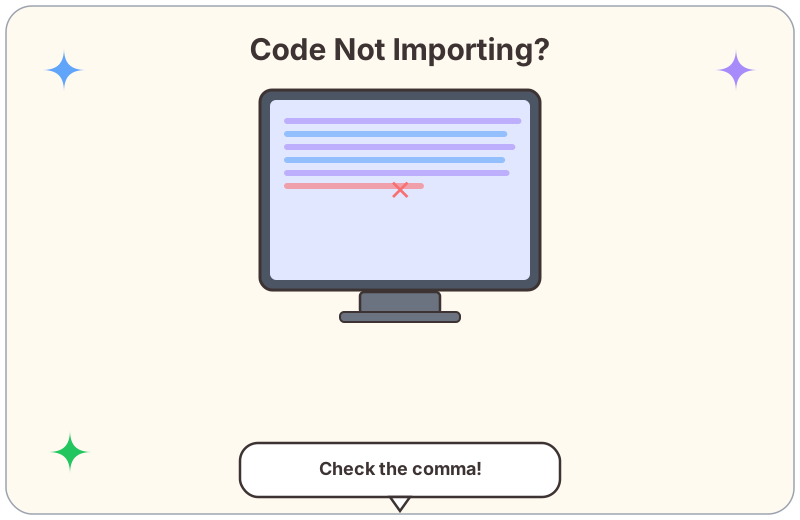
Why Crosshair Codes "Fail to Import"
You copy a long code from a YouTube description or Discord, paste it into Valorant, and the game either shows "invalid code" or does nothing at all. It is rarely a game bug — the code itself was cut off or picked up an extra symbol.
"None of those codes work" — YouTube comment
"is it just me or do like none work anymore" — YouTube comment
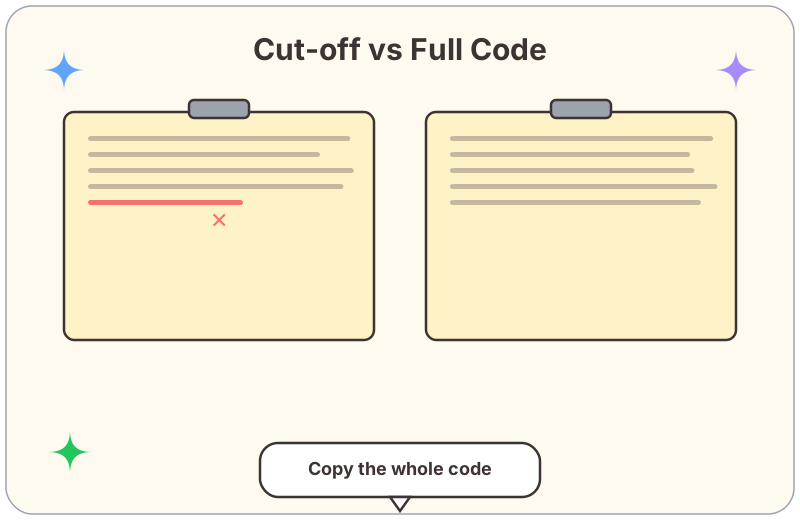
The image below shows the two most common ways an import fails: a trailing comma at the end, or only half the string copied.
Check 1: The Trailing Comma
A Valorant crosshair code is a long string of numbers separated by commas. There should be no comma after the final number. When you drag-select, it is easy to include that trailing comma, and the game rejects the entire code.
"turns out the code ended with a comma and i pasted it with the comma included, removing it fixed it" — Reddit
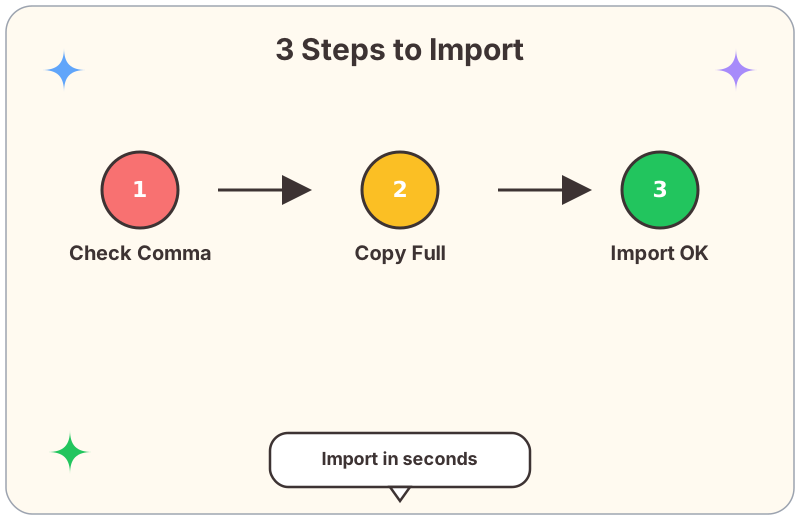
Paste the code into Notepad first, confirm the last character is a digit (not a comma), then copy again.
Check 2: Did You Copy the Whole Thing?
These codes are long. In a chat box or on a web page it is common to grab only the first half. Copy from the very first digit to the very last digit — every character matters.
"you have to paste the WHOLE thing including the last number, people keep cutting off the end" — YouTube comment
The Correct Import Steps
Still Stuck?
Want more ready-to-use crosshairs? Browse the crosshair library or head back to the blog for more settings tips. You can also check the original discussion in this community video.