
Valorant Crosshair Too Small on 2K? 1440p Crosshair Settings That Stay Visible
If your Valorant crosshair looks tiny on a 2560×1440 monitor, you are not alone. Higher pixel density makes default reticles harder to see. Here are the settings that 1440p players actually use to stay sharp.
Why 1440p Makes Your Crosshair Disappear
On a 2560×1440 display, Valorant packs more pixels into the same screen space compared to 1080p. The result: default crosshairs that are sharp on 1080p become hair-thin on 1440p, and some colors blend straight into the background.
"everything is tiny on my 1440p monitor, the crosshair basically disappears" — YouTube comment
Many 2K players report the same pain — the default green dot vanishes, and switching back to 1080p makes everything blurry.
Fix 1: Bump Thickness and Length
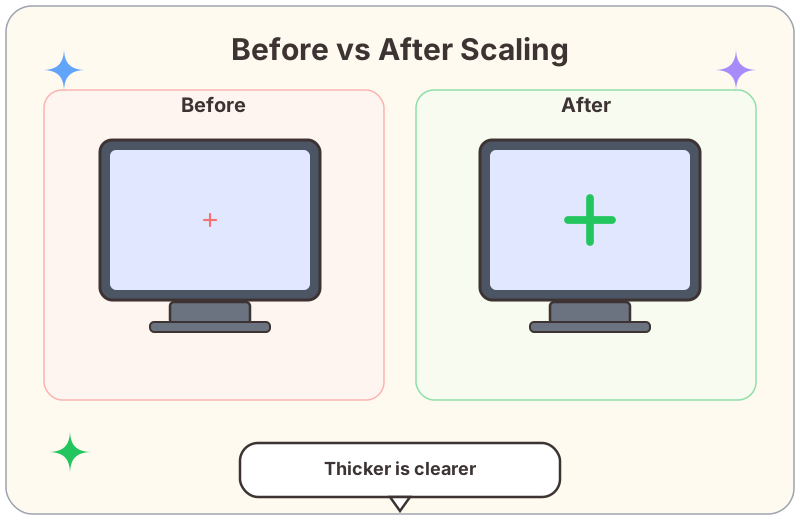
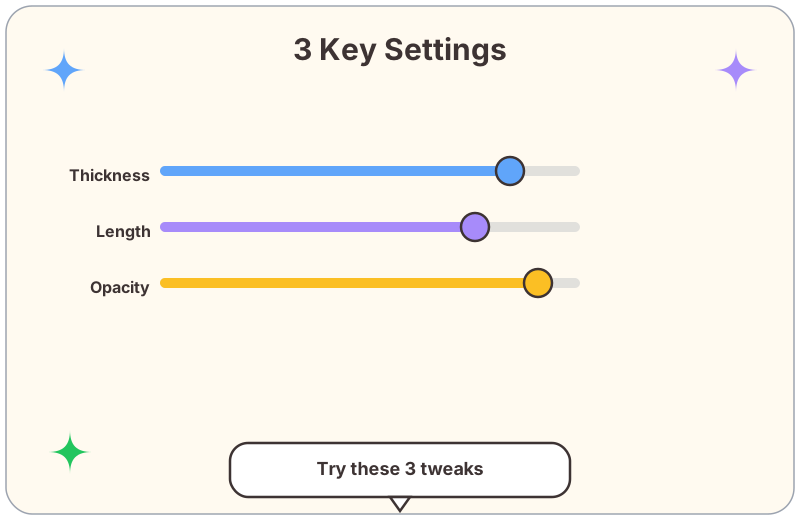
The quickest fix is adjusting Inner Line Thickness and Inner Line Length. Default is often 1/4/2/2; on 1440p, try scaling up to 2/6/2/2 or even 3/8/3/3 until the reticle reads clearly.
"just bump outline thickness to 2-3 and use a bigger center dot, game changer" — Reddit
Fix 2: Switch to a Different Style
Some players find that switching from a traditional cross to a large center dot only works better on 2K. A dot with thickness 4–6 and opacity at 1 is hard to miss even at 1440p.
"i play 2k and switched to a cyan crosshair with thick lines, finally can see it" — YouTube comment
Color Tips for High-Res
Testing Your Setup
Looking for more crosshair ideas? Check the crosshair generator or browse the blog for setup guides. The discussion came from this community thread.