
Best Valorant Shotgun Crosshair Settings for Judge and Bucky
Judge and Bucky need a different crosshair than a rifle. The right reticle helps you judge spread, track close-range targets, and land one-shot kills consistently. Here is what shotgun mains actually use.
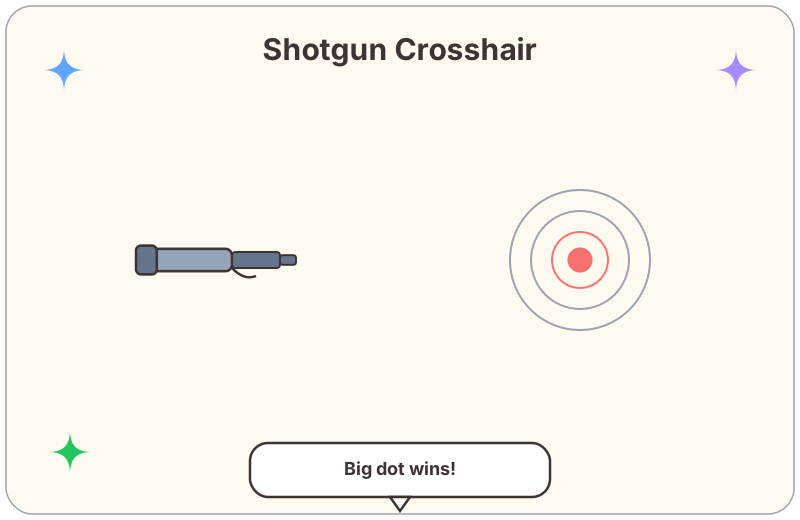
Why Shotguns Need Their Own Crosshair
"what crosshair do you use for judge? the default one feels weird for shotgun fights" — YouTube comment
Most crosshair guides are written for Vandal and Phantom. But shotguns play by different rules: you are not aiming at heads — you are tracking bodies at point-blank range, often while moving. The regular green cross can actually get in the way.
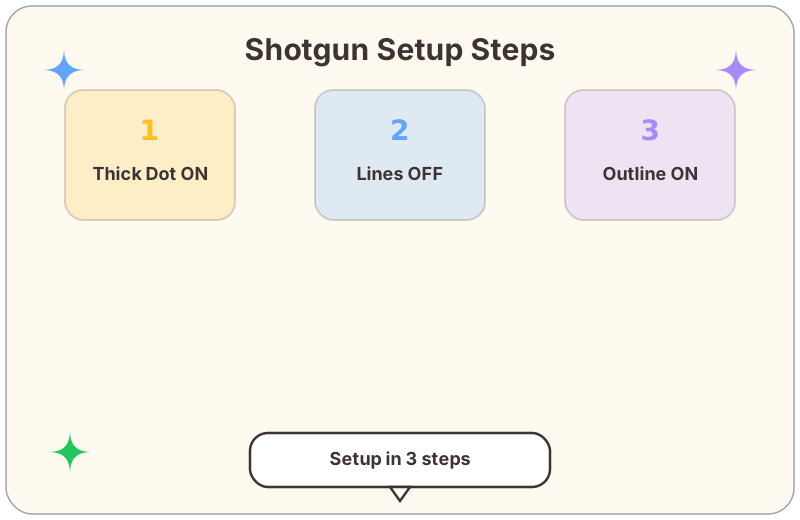
A shotgun crosshair should help you judge the center of your screen while giving you a rough sense of pellet spread — without cluttering the narrow window you have in a close-quarters fight.
The Recommended Shotgun Setup
Based on what the community has tested and shared, here is a solid base config for Judge and Bucky:
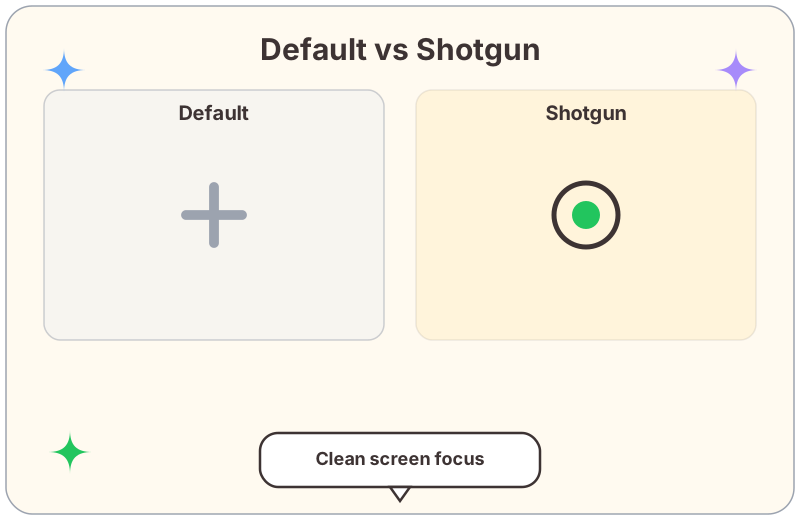
Why a Big Dot Works for Shotguns
"big circle dot, turn off outer lines, makes close range so much easier" — YouTube comment
A thick center dot acts like a "center-of-mass" marker. With Judge especially, you are often flicking to a target at 3–5 meters. A large visible dot is faster to acquire than aligning a small cross. Turn off everything else and your screen stays clean.
When to Adjust
Pro Tip
Save your shotgun crosshair as a separate profile in settings. When you load into a map and plan on going Judge/Bucky, swap profiles with two clicks. No need to manually retype everything.
For rifle crosshair setups, visit the crosshair library or read more setup guides on the blog. This topic came from community feedback on shotgun settings.